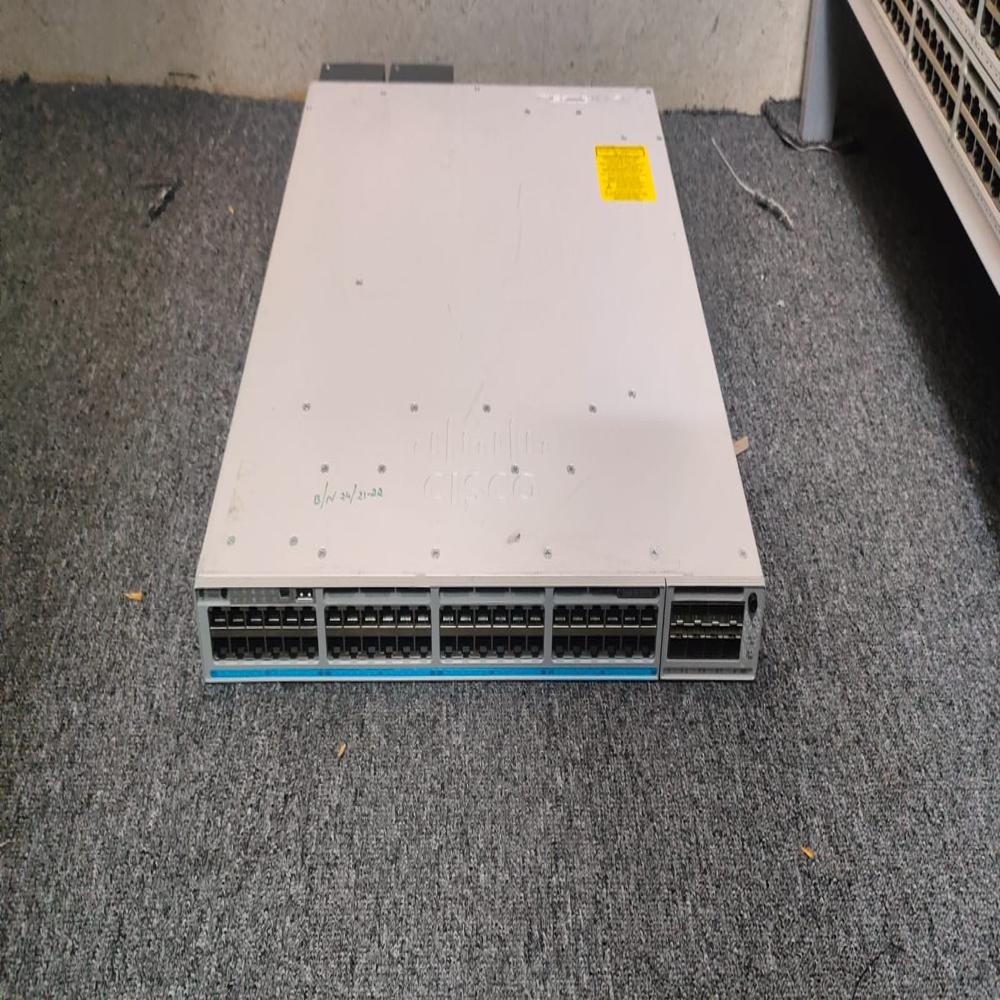
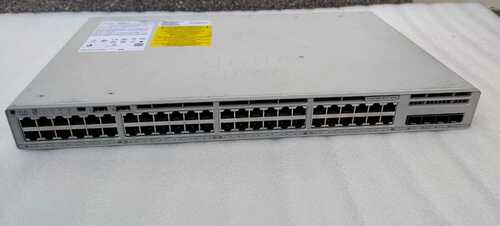
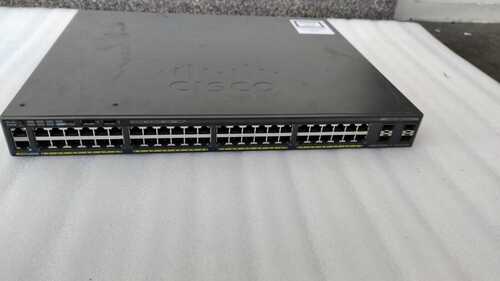
C9300-48UN-E FOR RENTAL About
Table 1 shows the quick spec.
Product Code C9300-48U-A
Product Description Catalyst 9300 48-port UPOE, Network Advantage
Total 10/100/1000 or Multigigabit copper ports 48 Cisco UPOE
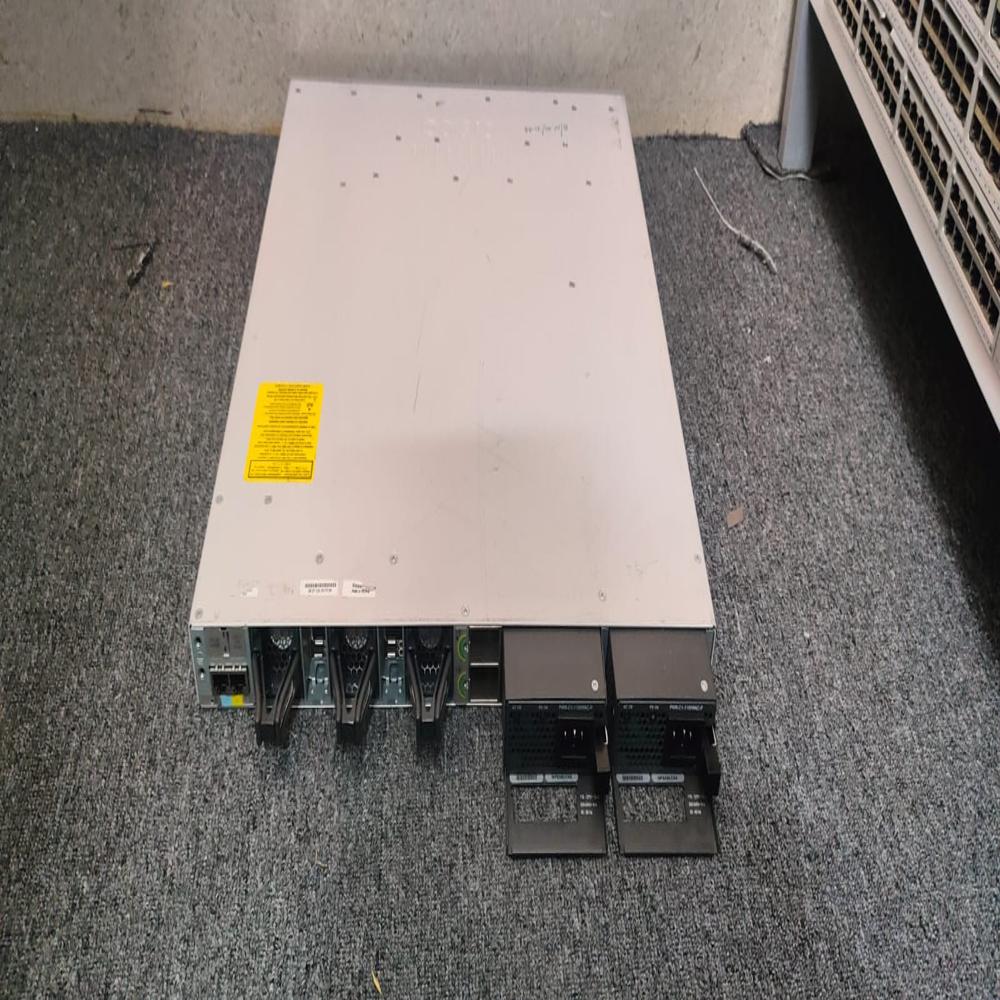
Default AC power supply 1100W AC
Available PoE power 822W
Dimensions (H x W x D) 1.73 x 17.5 x 17.5 Inches
Weight 16.33 Pounds
The Accessories
Table 2 shows the recommended elements for the C9300-48U-A.
Product number Description
C9300-NM-4G 9300 Series 4x 1G Network Module
C9300-NM-4G= Catalyst 9300 4 x 1GE Network Module, spare
C9300-NM-8X 9300 Series 8x 10G Network Module
C9300-NM-8X= Catalyst 9300 8 x 10GE Network Module, spare
C9300-NM-2Q 9300 Series 2x 40G Network Module
C9300-NM-2Q= Catalyst 9300 2 x 40GE Network Module, spare
C9300-NM-4M 9300 Series 4x Multigigabit Network Module
C9300-NM-4M= Catalyst 9300 4 x MGig Network Module, spare
Enhanced Performance and ConnectivityDelivering impressive throughput, the C9300-48UN-E supports a forwarding rate of up to 154.76 Mpps and features 48 Gigabit Ethernet access ports with flexible SFP+ uplinks. Its modular design allows for seamless expansion and integration into existing network infrastructures, making it suitable for demanding enterprise networks, campus LANs, and data center edge deployments.
Seamless Management and Security FeaturesEasily manage the switch via multiple interfaces, including Cisco IOS XE, a graphical web UI, CLI, SNMP, and Cisco DNA Center. Enhanced security options, Flexible NetFlow, and advanced monitoring tools help simplify administration while improving protection and visibility across the network. RMON and NetFlow support aid in proactive network analytics and troubleshooting.
Adaptability with Reliable RedundancyDual redundant, hot-swappable power supplies and fans ensure uninterrupted network operations, even during hardware failures. The C9300-48UN-E supports rack-mounting (1RU), offers environmentally compliant certifications (RoHS, CE, FCC, UL), and can operate within a broad temperature range, enhancing reliability for both short-term projects and long-term deployments.
FAQ's of C9300-48UN-E FOR RENTAL:
Q: How do I manage and configure the C9300-48UN-E when renting?
A: You can manage the C9300-48UN-E remotely using Cisco IOS XE through CLI, web UI, SNMP, or Cisco DNA Center. These tools enable easy configuration, monitoring, and updates, providing flexibility to tailor settings to your organization's requirements.
Q: What types of rental durations are available for the C9300-48UN-E switch?
A: Both short-term and long-term rental options are available, giving you the flexibility to align the switch's usage with specific project timelines, temporary expansions, or ongoing infrastructure needs.
Q: When is it advantageous to rent this enterprise switch?
A: Rental is ideal for temporary increases in network demand, pilot projects, phased infrastructure upgrades, or when budgeting for capital expenditure is constrained. It provides enterprise-class performance and redundancy without the commitment of outright purchase.
Q: Where can the C9300-48UN-E be deployed during a rental period?
A: This switch is suitable for deployment in a variety of enterprise environments, including campus LANs, corporate offices, data center edges, and remote branch networks, thanks to its versatile mounting, PoE capabilities, and robust connectivity options.
Q: What is the process for securing a rental and getting setup?
A: To rent the C9300-48UN-E, simply contact an authorized distributor, supplier, or service provider. They will assist with selecting the appropriate rental duration, delivery, installation, and ongoing support to ensure a seamless experience.
Q: How does the stacking support benefit my network during a rental?
A: The StackWise-480 technology enables you to stack up to eight units, allowing centralized management, improved scalability, increased resiliency, and ease of future network expansion-all while simplifying operations.
Q: What are the main usage scenarios for this network switch?
A: The C9300-48UN-E excels in enterprise networking tasks such as large office connectivity, supporting intelligent building infrastructure, ensuring reliable access for user devices, and providing robust backbone connections in temporary or transitional network setups.





 Send Inquiry


 Send Inquiry